What a days-until countdown does
You set a date, like a wedding or a vacation, and it shows how many days are left, often in a Home Screen widget. It's the right tool when the date is weeks or months away.
Days-until apps count down to a date months away. NowSense counts down to your next thing today, right on your Lock Screen.
Try it free for 7 days, then unlock Pro once for $4.99.
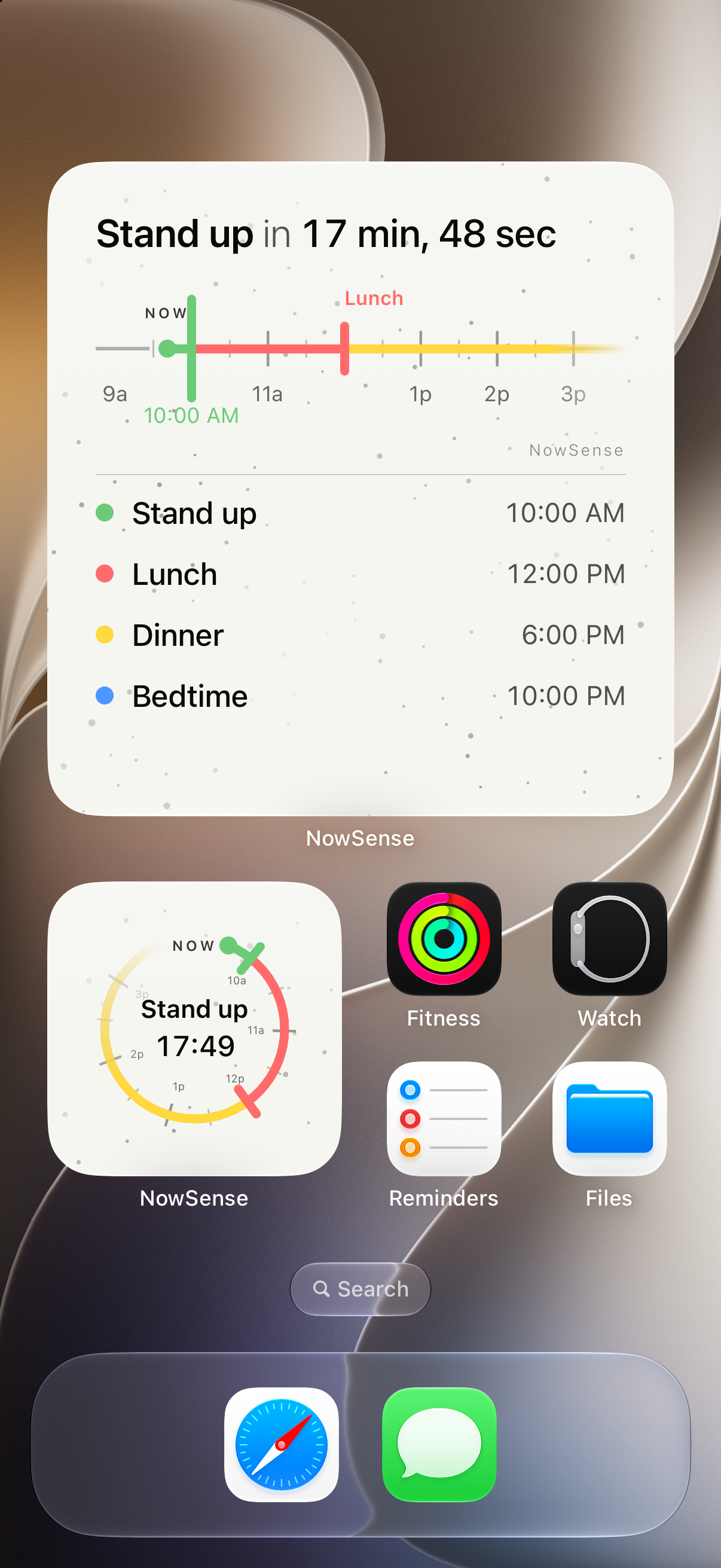
A days-until or wedding countdown shows how many days are left until a date weeks or months away. NowSense shows how long until your next thing today and keeps it on your Lock Screen as a Live Activity. More detail: Next-event countdown
You set a date, like a wedding or a vacation, and it shows how many days are left, often in a Home Screen widget. It's the right tool when the date is weeks or months away.
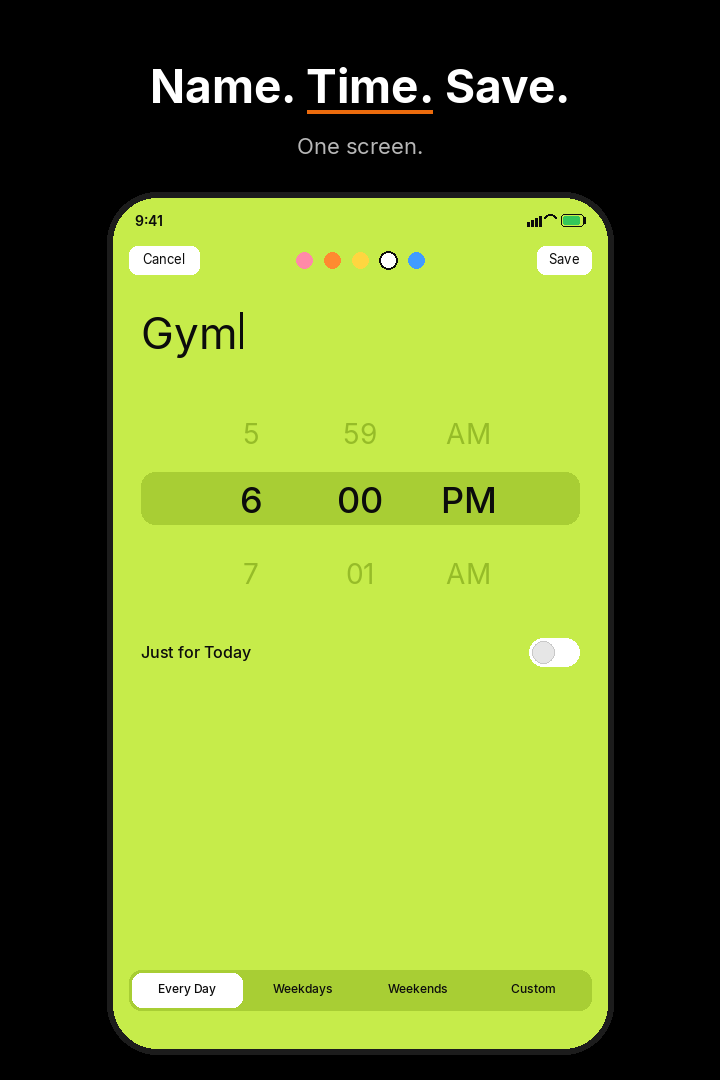
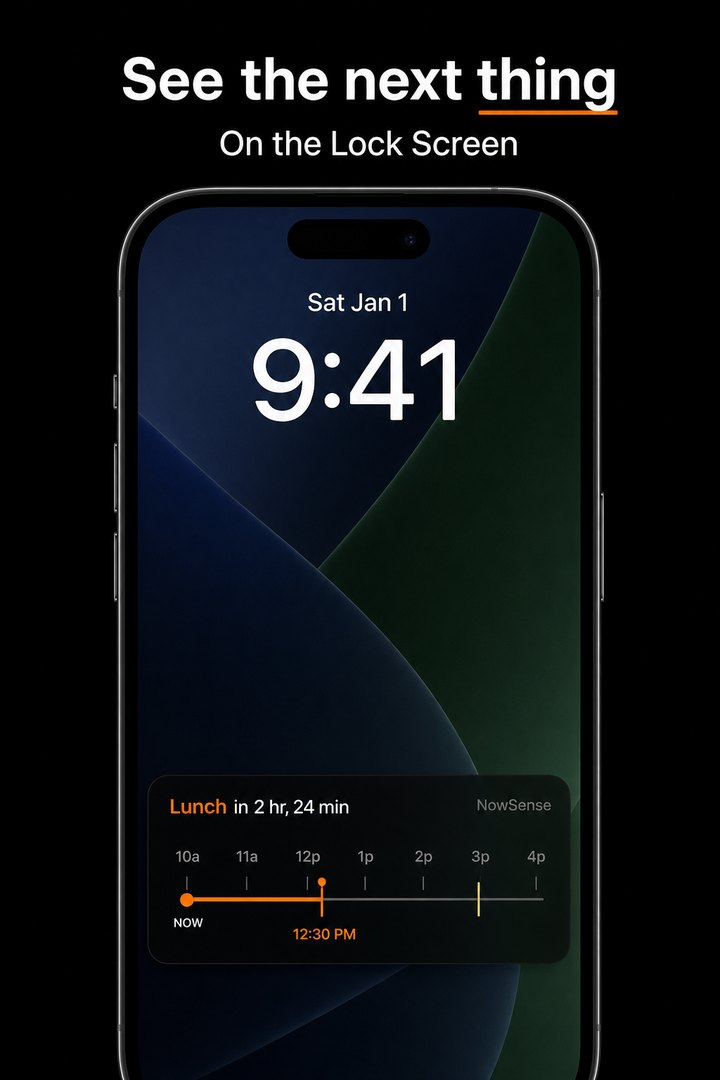
You give it a name and a time today, like Pickup at 3:15. A live countdown on your Lock Screen shows how long you have until then, every time you wake your phone.
You give it a name and a time, then tap Save.
Your next thing stays on the Lock Screen as a live countdown.
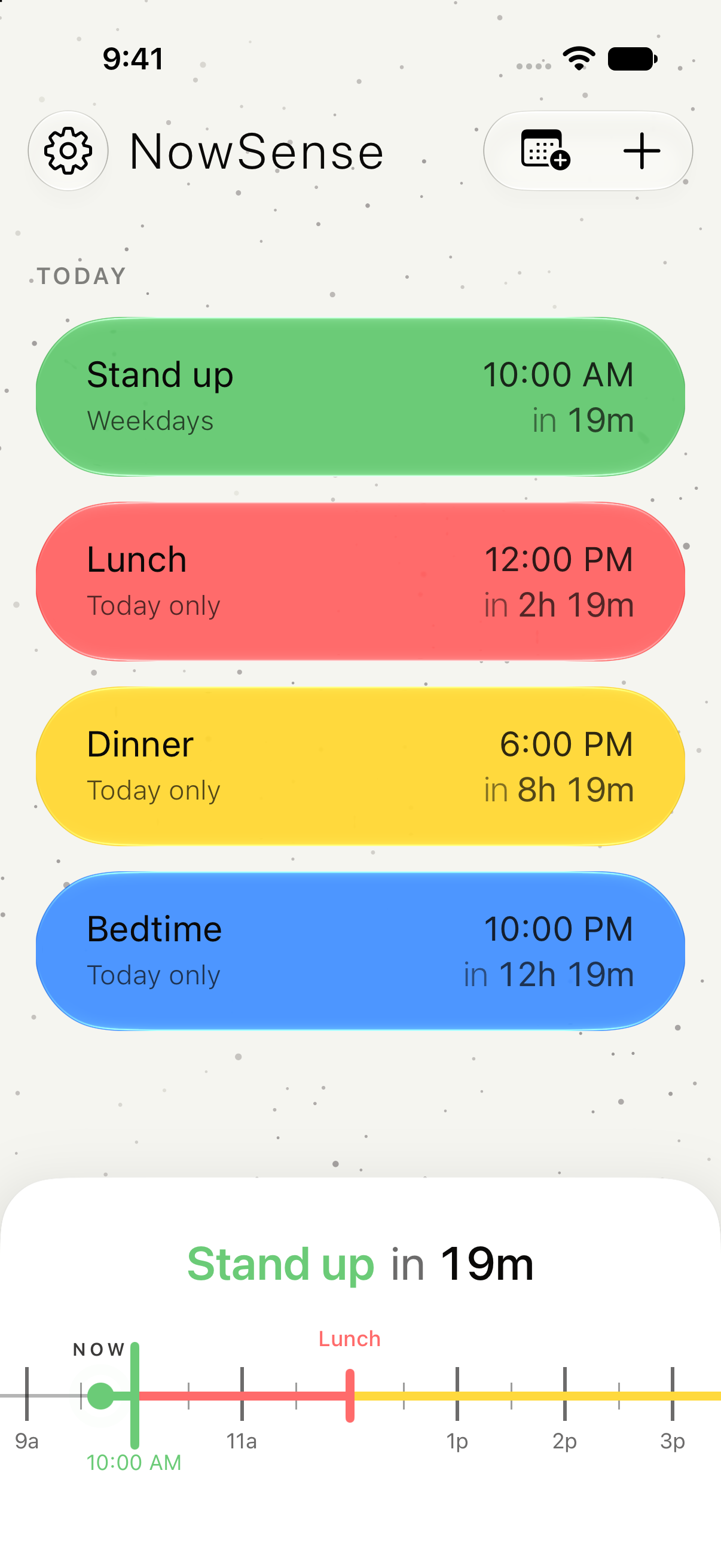
Your next few hours and each thing with its name and time.
Use a days-until app for a date weeks or months away. Use NowSense for the next thing today, so you can see how long you have from your Lock Screen.
Free for 7 days. Then $4.99, once.