What a calendar does
A calendar is the right place to plan your day, week, and month. Keep using it for that.
Keep your calendar for planning the week. NowSense adds a live countdown to your next thing on the Lock Screen.
Try it free for 7 days, then unlock Pro once for $4.99.
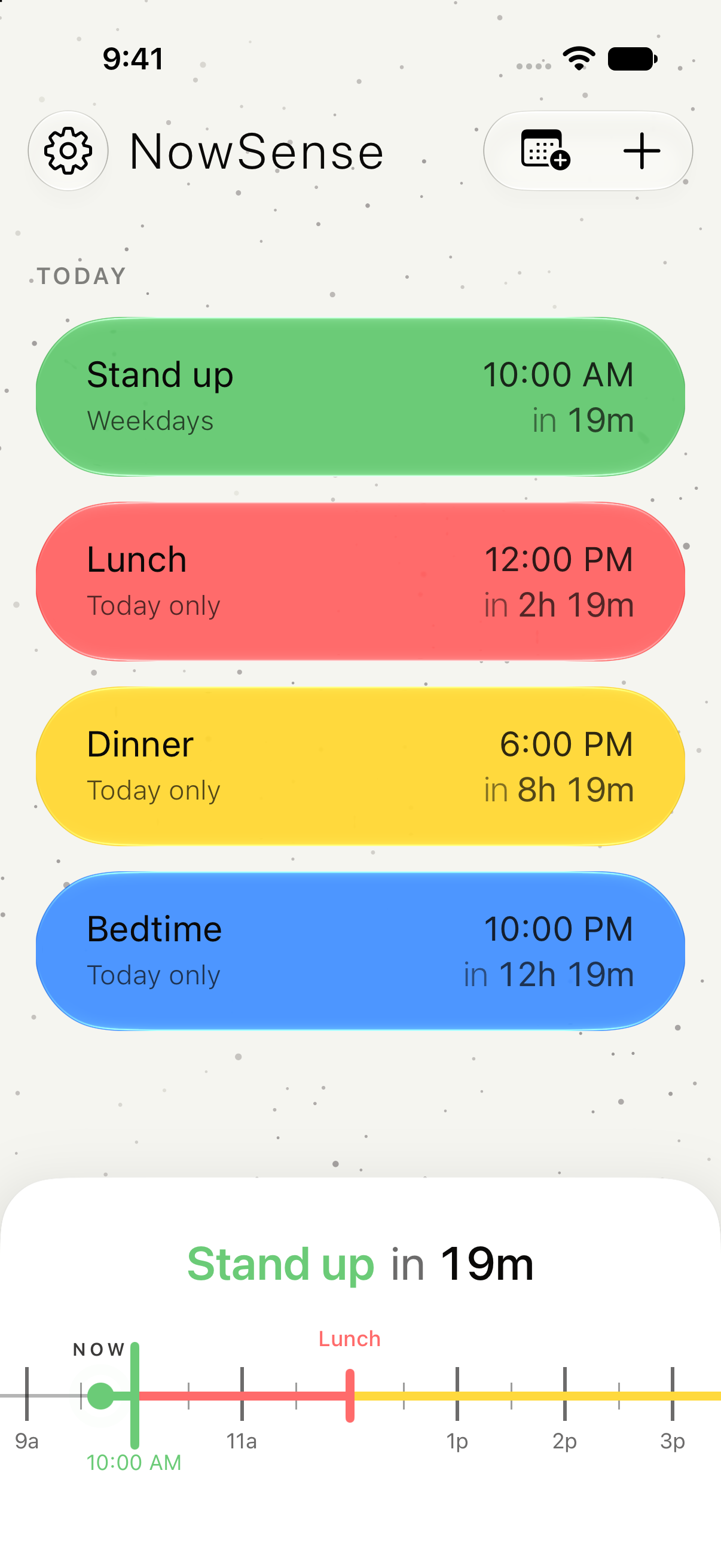
Your calendar is where you plan the day, the week, and the month. NowSense sits on your Lock Screen and shows the next few hours: what's next and how long you have. The two work well together.
A calendar is the right place to plan your day, week, and month. Keep using it for that.
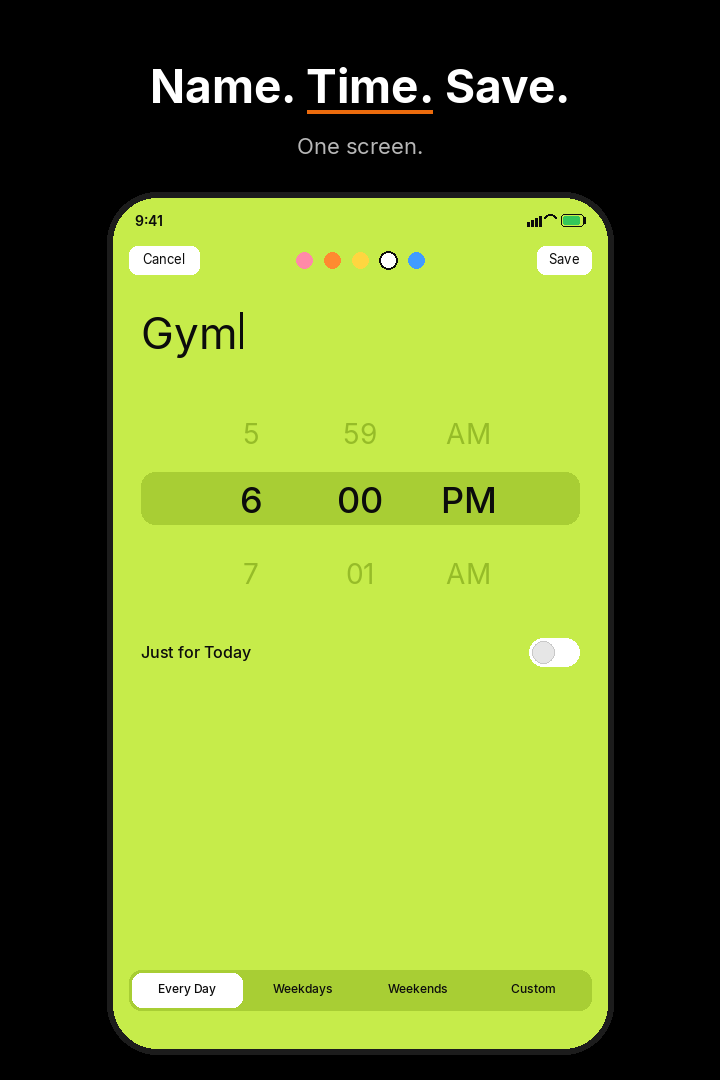
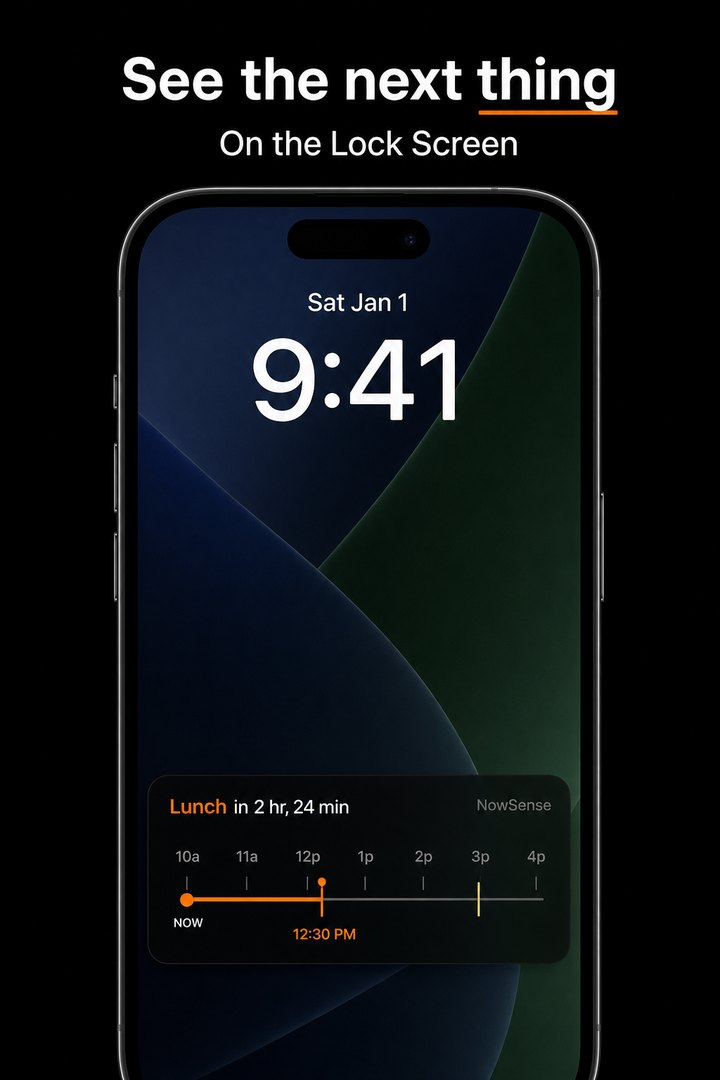
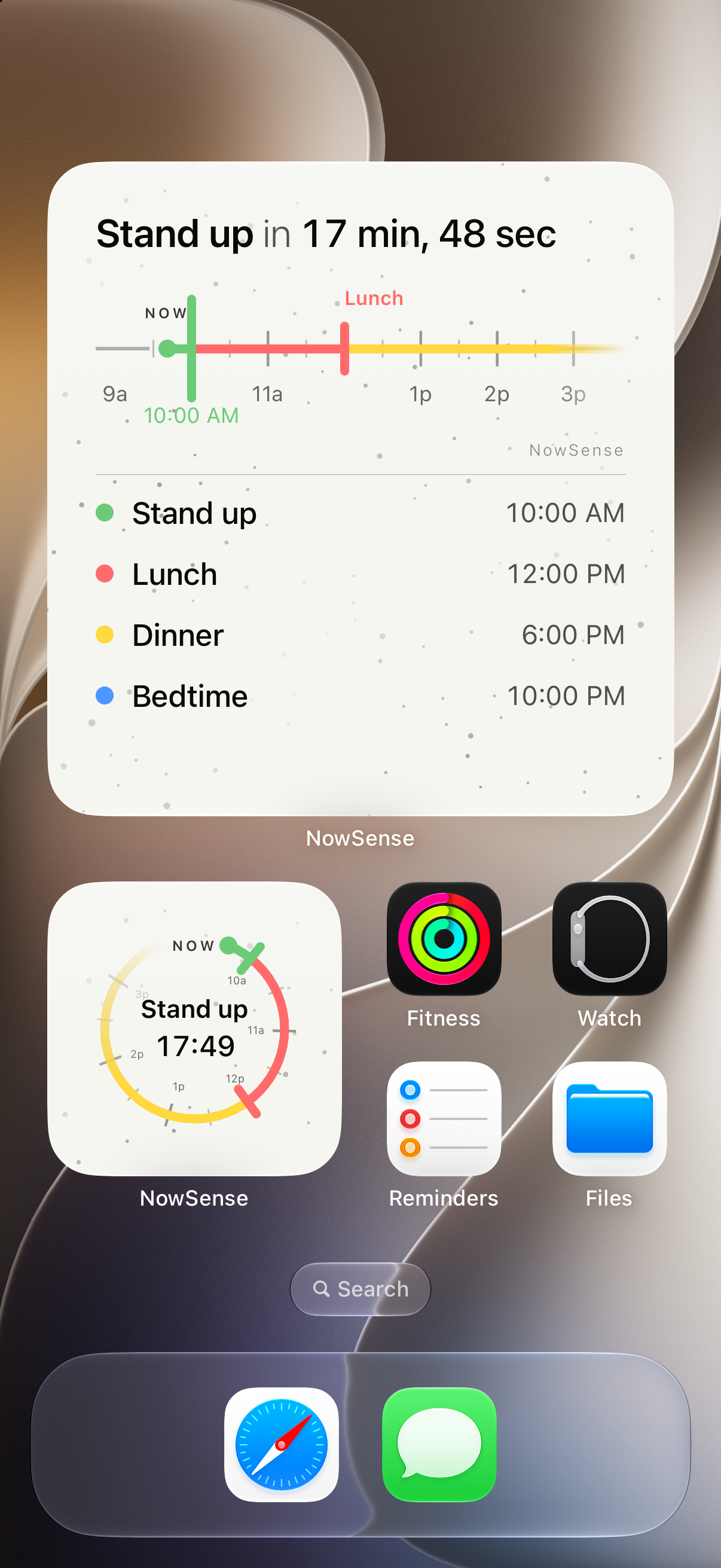
NowSense tells you how long until the next thing, right on your Lock Screen. Add the next thing with a name and a time, and a live countdown appears. Open the app to see your next few hours.
You give it a name and a time, then tap Save.
The next thing stays on the Lock Screen as a Live Activity countdown.
Your next few hours, each thing with its name and time, and a line at Now.
Yes. Keep your calendar for planning. NowSense adds the countdown to your next thing on the Lock Screen.
It brings events from the calendars you choose on your iPhone into your NowSense timeline. Your calendar app keeps working as it does now.
Free for 7 days. Then $4.99, once.