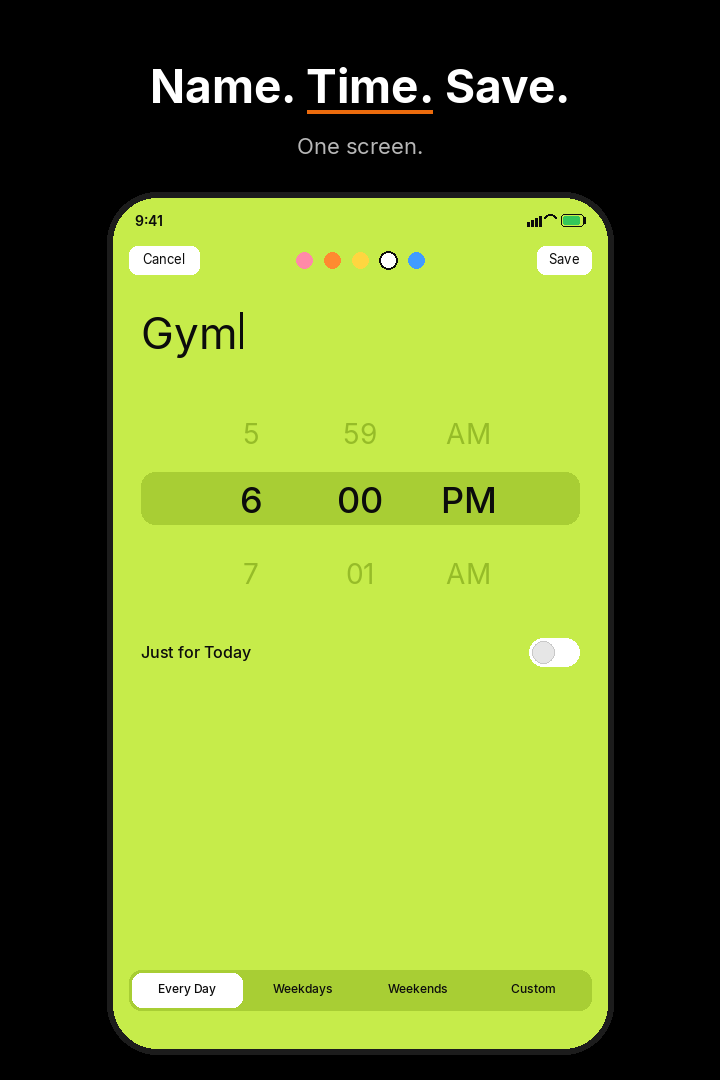
Add a milestone
You give it a name and a time, then tap Save.
See how long until your next thing today, live on your Lock Screen.
Try it free for 7 days, then unlock Pro once for $4.99.
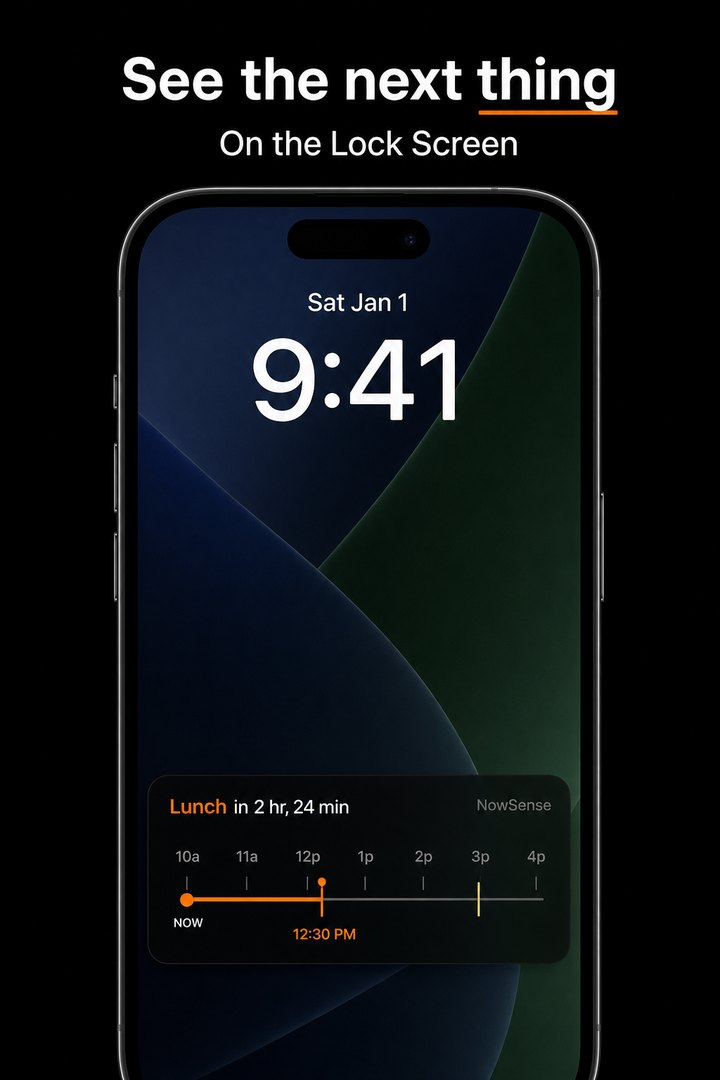
A Live Activity is the live card iPhone keeps on your Lock Screen. NowSense uses it to show your next thing today and how long you have until it starts, so you can check without opening the app. On iPhones with Dynamic Island, it can show there too.
Add the next thing, and its countdown appears on your Lock Screen. Open the app when you want to see your next few hours.
You give it a name and a time, then tap Save.
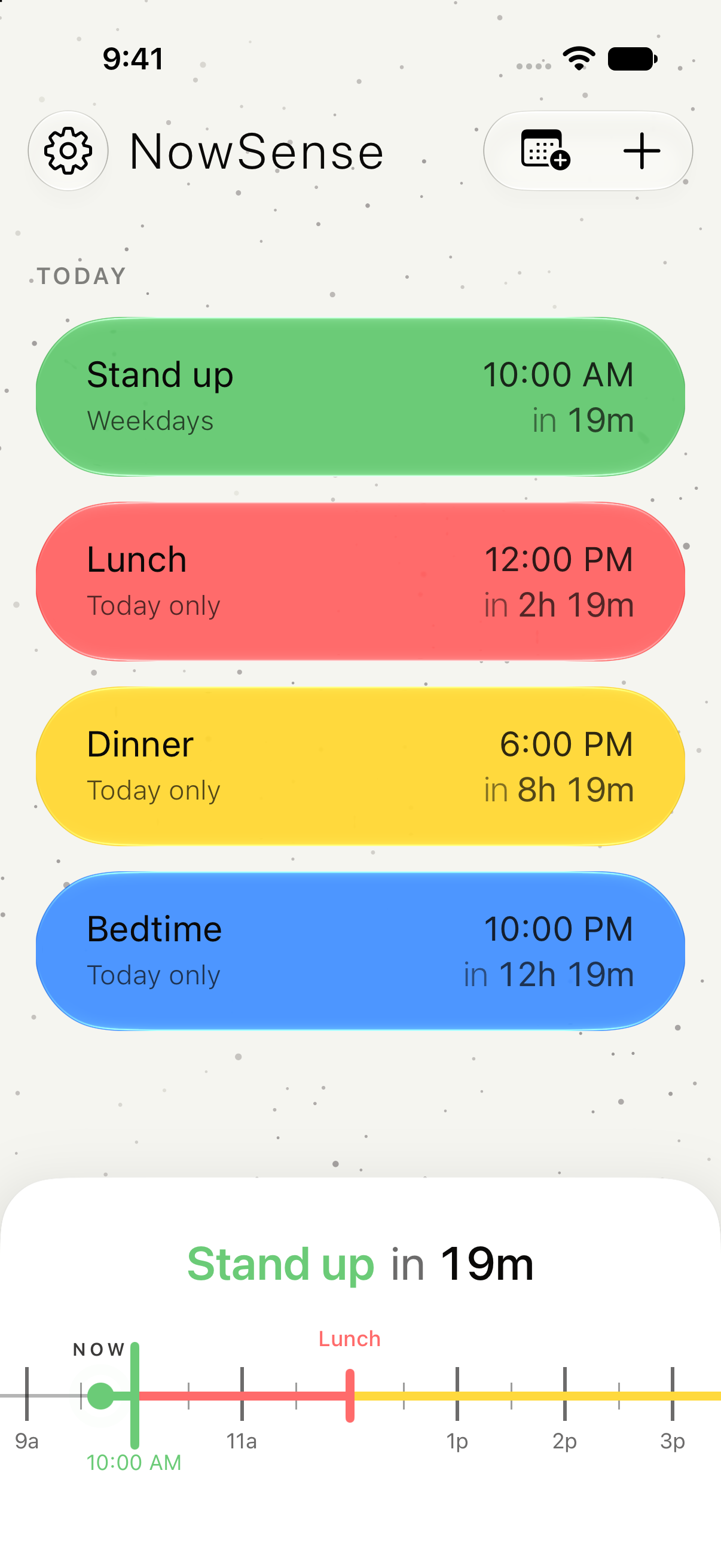
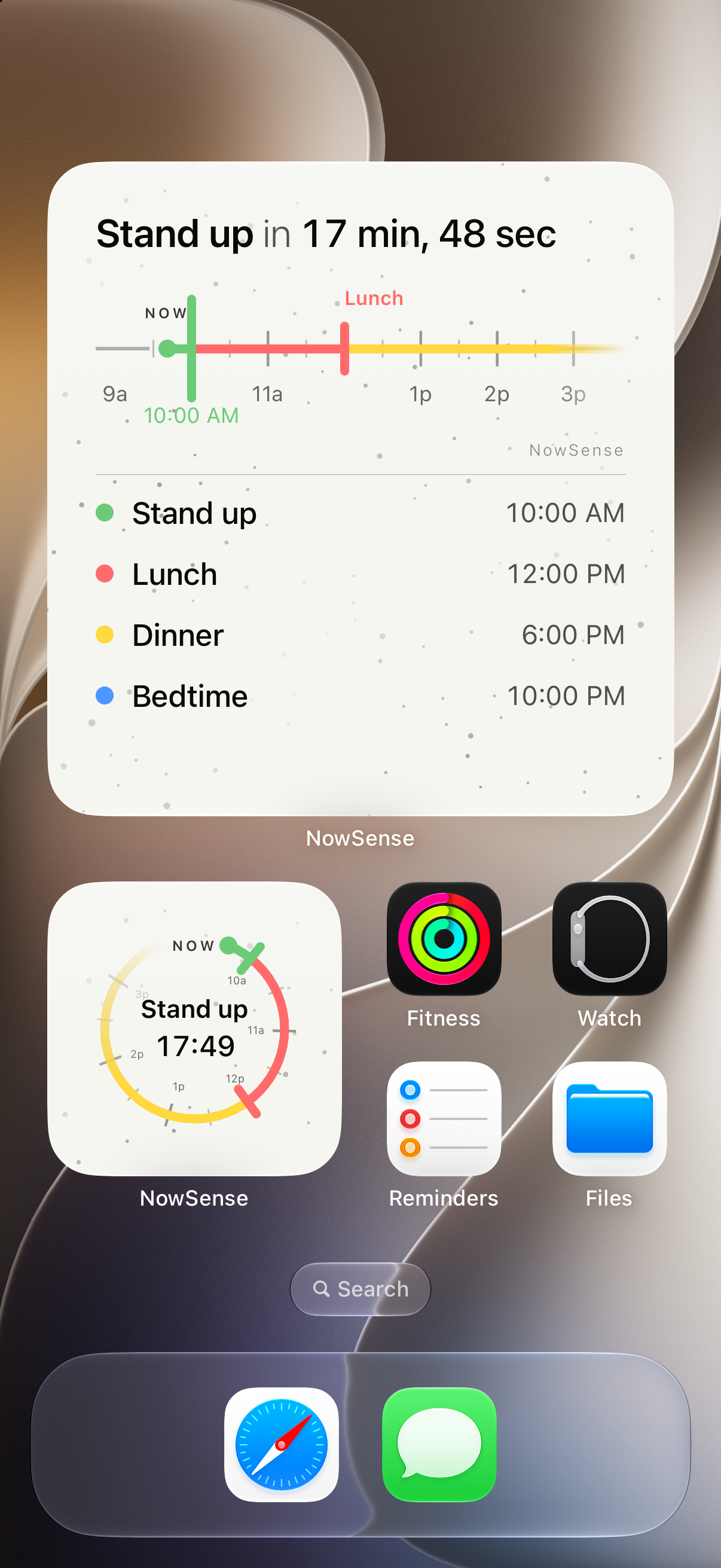
The timeline shows your next few hours, each thing with its name and time, and a line at Now.
Your next thing stays on the Lock Screen with a countdown that updates as the time gets closer.
It shows your next thing today on the Lock Screen, with how long until it starts.
On iPhones with Dynamic Island, the countdown can show there too. The Lock Screen is the main place to see it.
iPhone decides how long any Live Activity stays on the Lock Screen. NowSense keeps your next thing there for as long as iPhone allows.
Free for 7 days. Then $4.99, once.