Free for 7 days
Free
- Every feature
- No account
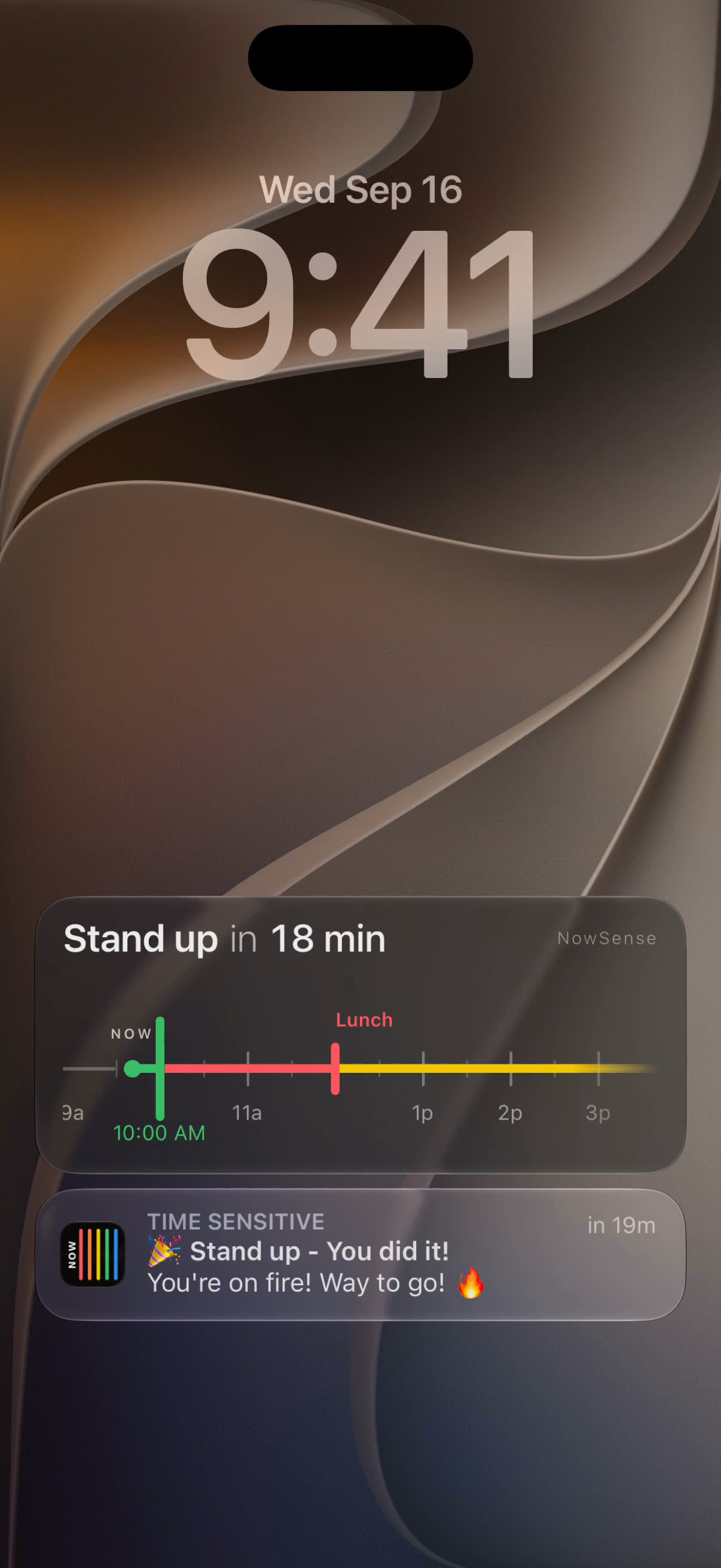
You know pickup is at 3:15. Then you look up, and it's 3:12. NowSense keeps a live countdown to your next thing on your Lock Screen, so you see how long you have every time you pick up your phone.
Try it free for 7 days, then unlock Pro once for $4.99.
I built NowSense for my wife, so she could see how long she had before the next thing, every time she picked up her phone.
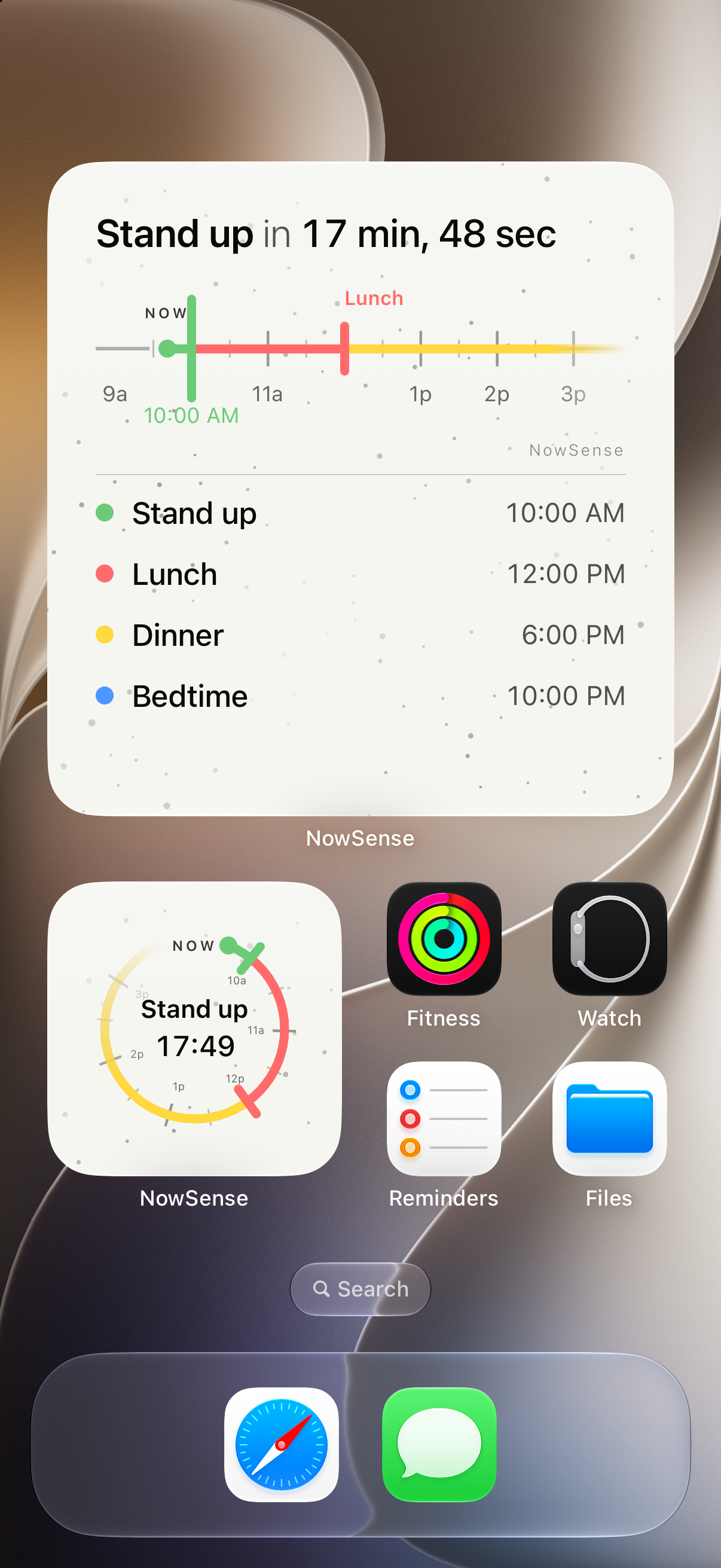
The Up Next widget puts your next event on your Home Screen too, so you see it without opening the app. It comes in medium, large, and a small dial.
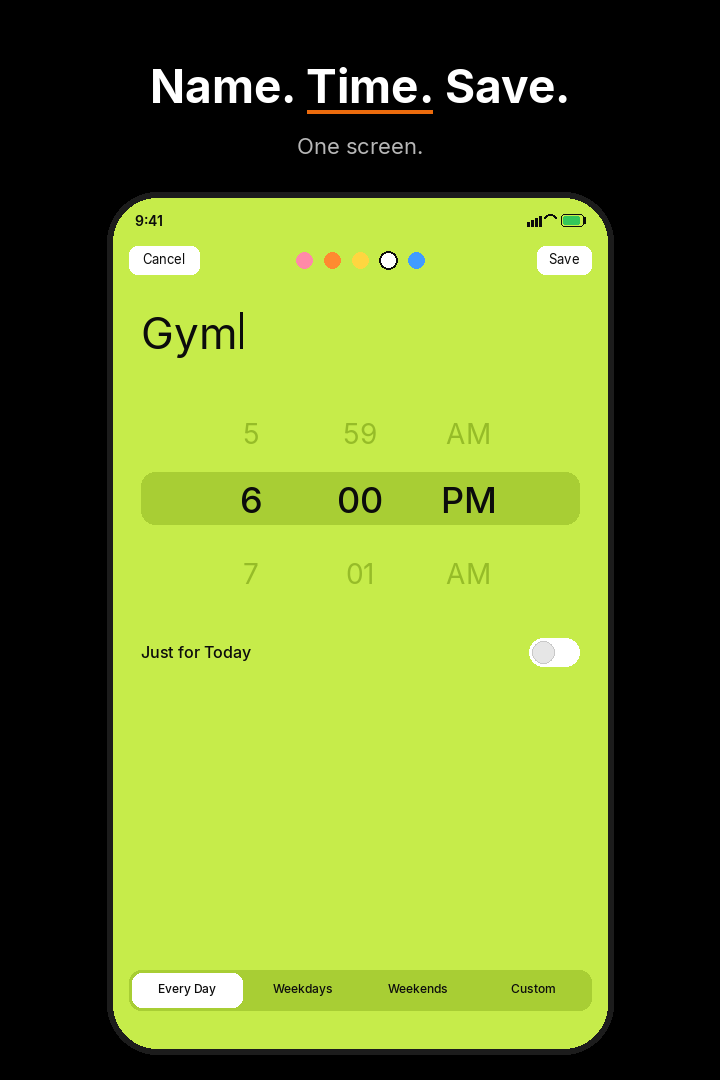
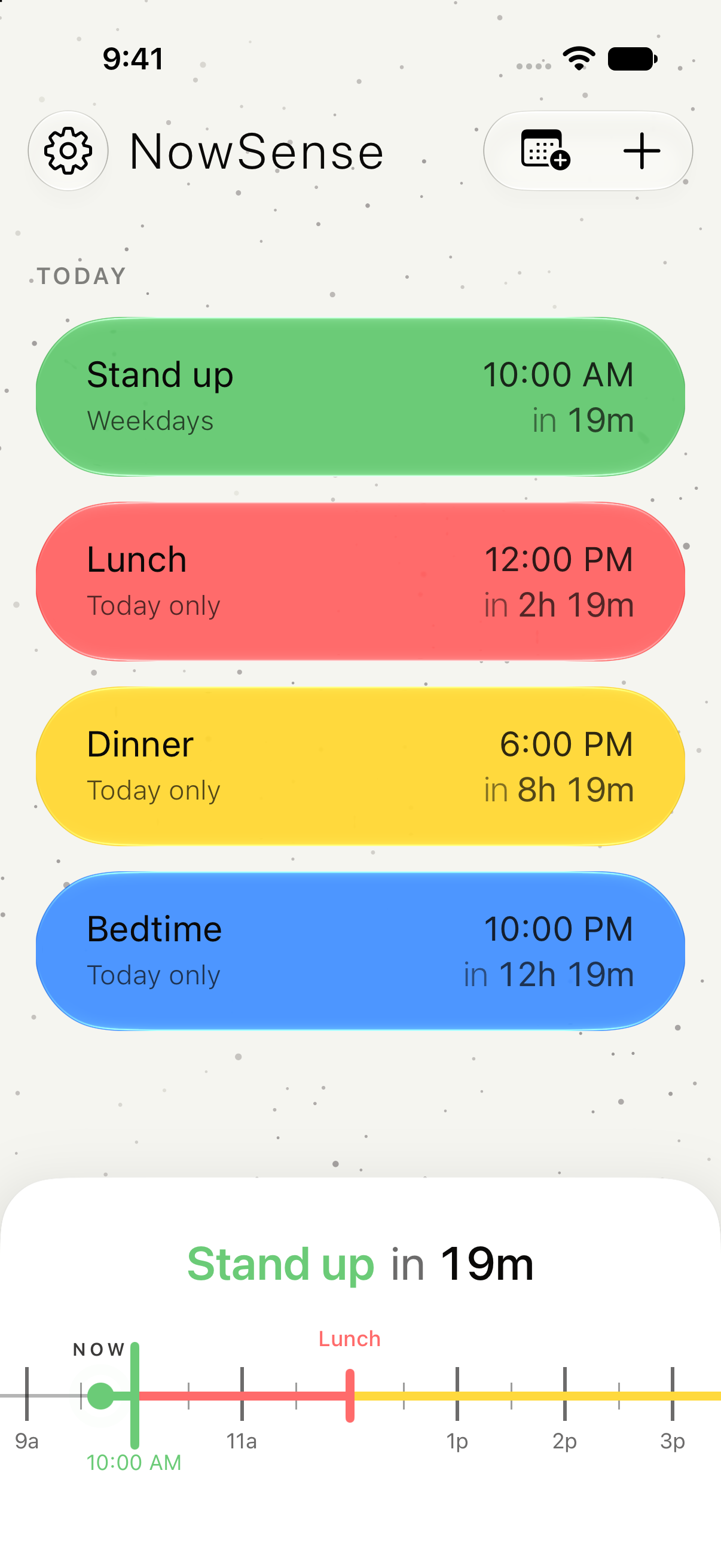
Open the app and your next few hours are laid out, with a line at Now. Add the next thing with a name and a time. When you wake your phone, the Lock Screen shows what it is and how long you have.
Start free on your iPhone, with no account to make. For 7 days you get the whole app: unlimited and recurring milestones, Sync Calendars, extra colors, and Up Next widgets. Then unlock Pro once for $4.99 to keep going.
Free
$4.99once
It's for anyone who knows what's next but loses track of how long until it starts. Some people get NowSense for themselves. Others install it on the phone of someone they live with and add that person's next things there, so that person sees the time left on their own Lock Screen.
Keep your calendar for planning. NowSense shows the next six hours or so, each thing with its name and time, and a line at Now. Sync Calendars brings in events from the calendars you choose.
iPhone. The countdown sits on your Lock Screen as a Live Activity, so you see it every time you wake your phone.
No. After the 7-day free trial, you pay $4.99 once, and Pro is yours. Nothing is charged automatically.