How NowSense works

Add the next thing with a name and a time. The countdown shows up on your Lock Screen.

Try it free for 7 days, then unlock Pro once for $4.99.

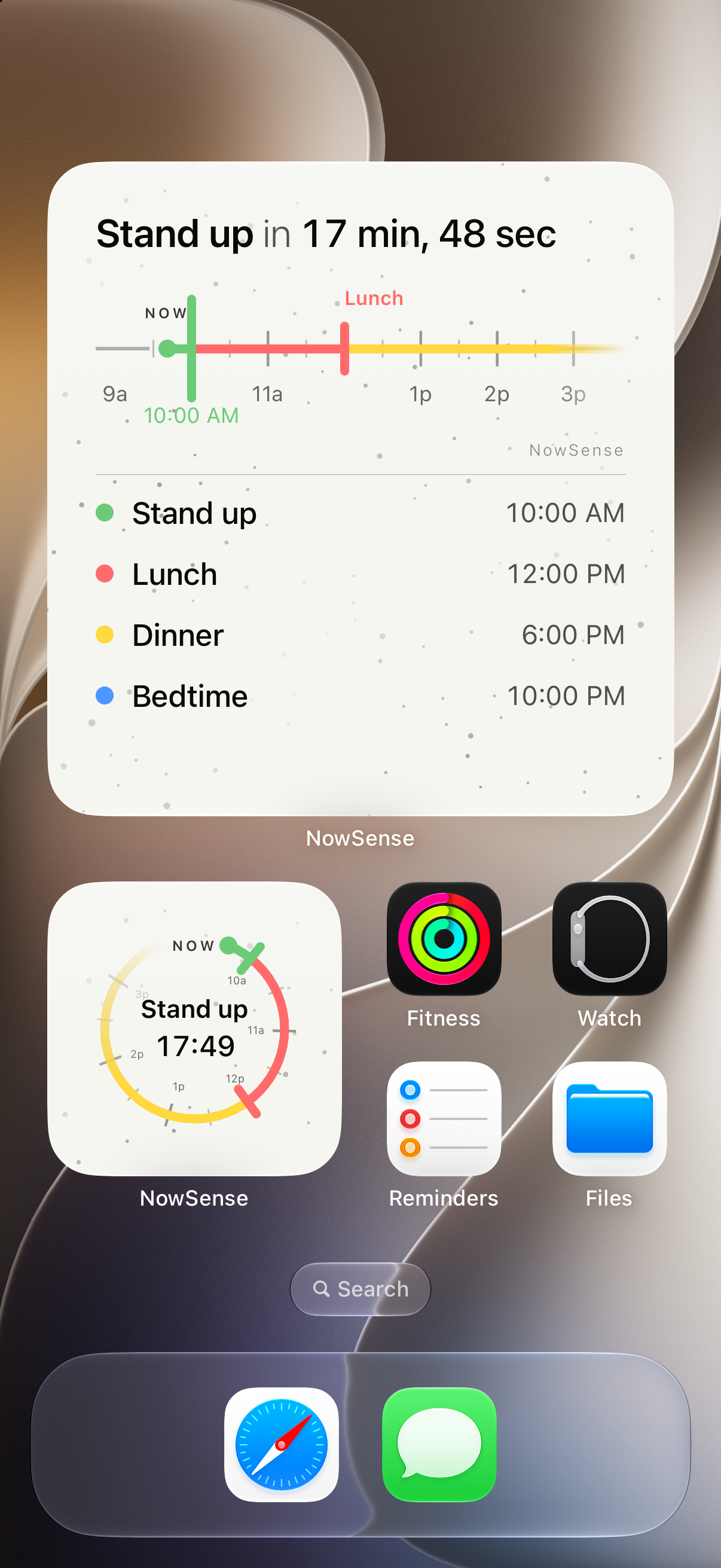
NowSense Pro Up Next widgets on the Home Screen. Large Up Next widget for Stand up plus a small dial.

Add a milestone

You give it a name and a time, then tap Save.
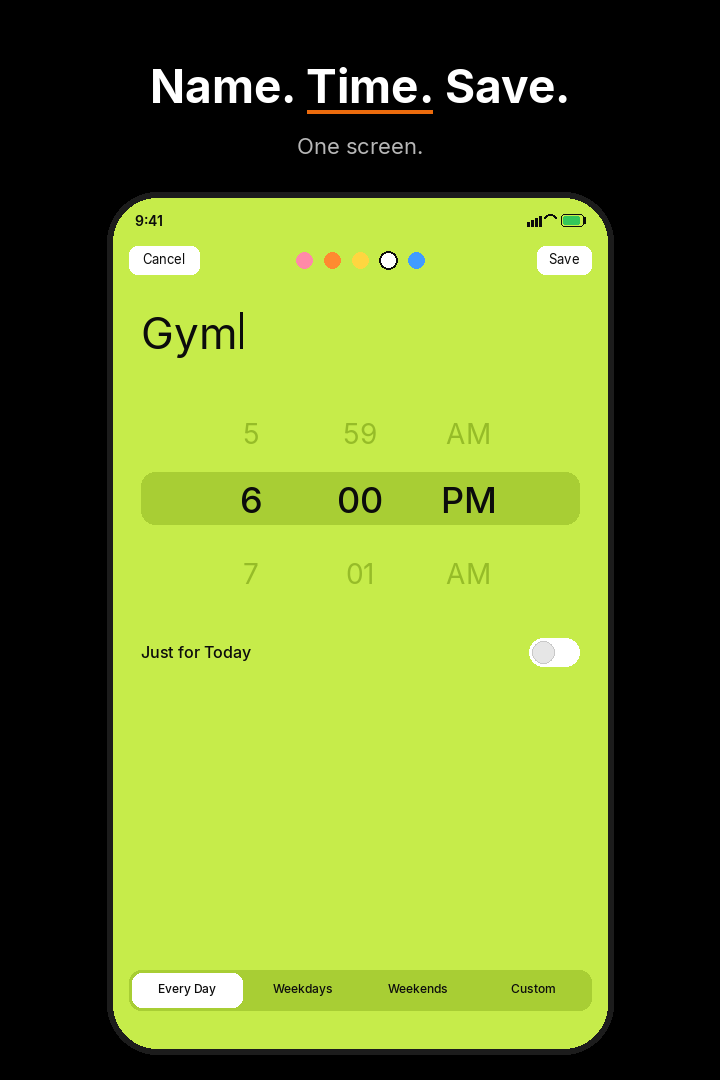
NowSense compose screen. Name Stand up, time 10:00 AM, Weekdays.
Adding the next thing: a name, a time, then Save

Live Activity on the Lock Screen

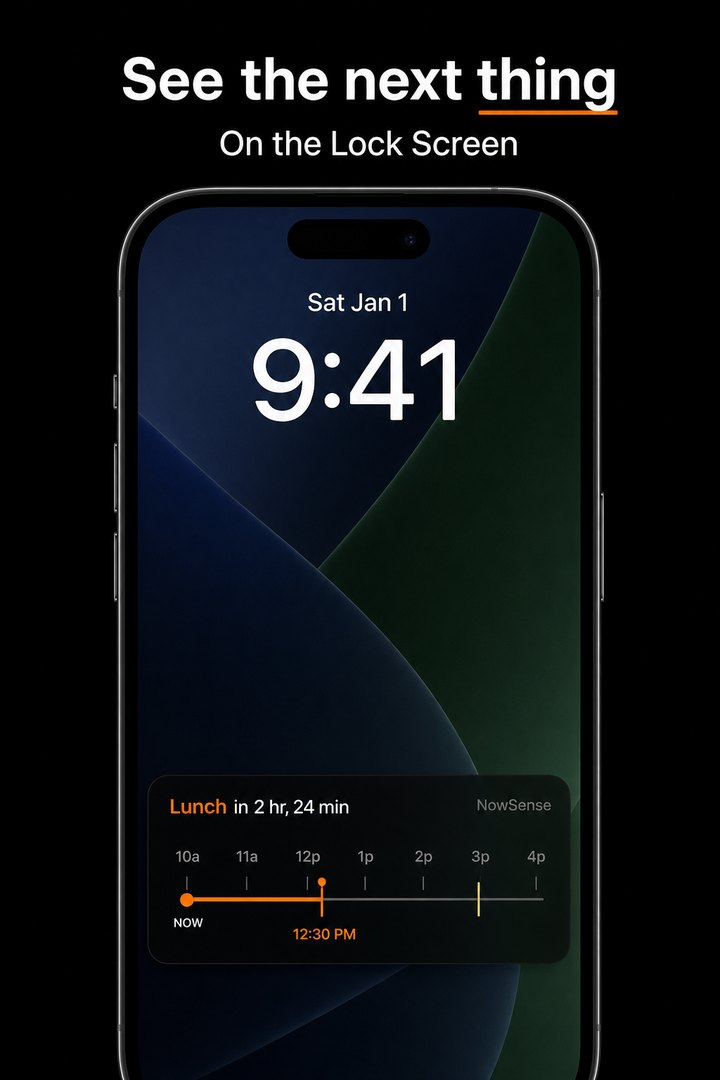
The next thing stays on your Lock Screen with a live countdown. Wake your phone and you see what it is and how long you have.

On iPhones with Dynamic Island, the countdown can show there too.

NowSense Live Activity on the Lock Screen. Stand up countdown with Now marked on the timeline.
Lock Screen: a live countdown to your next thing

Next hours in view

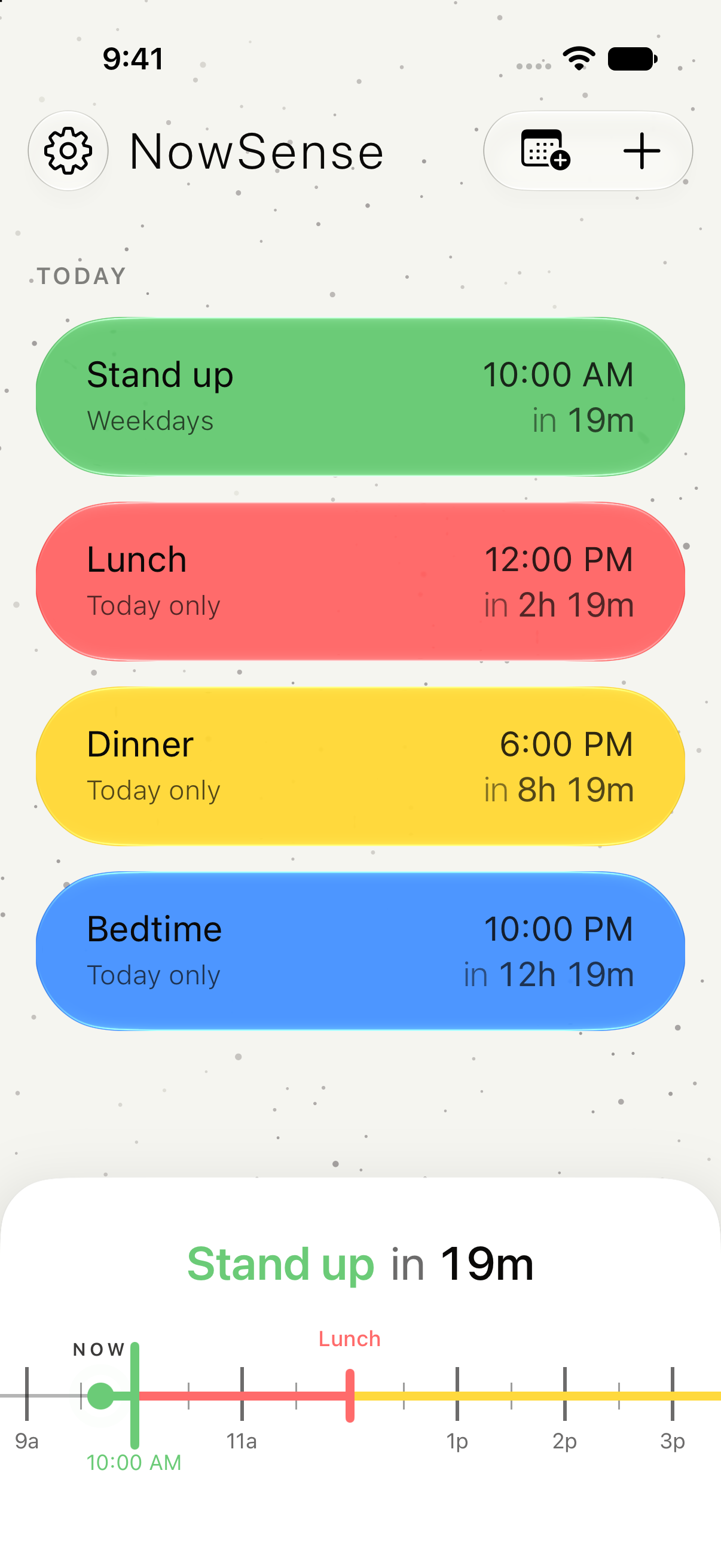
Open the app to see your next few hours, each thing with its name and time, and a line at Now.

NowSense timeline with Stand up, Lunch, Dinner, and Bedtime. Now marked on the next hours.
Timeline: your next few hours, with a line at Now

The 7-day free trial and Pro are on the pricing page.

See the next thing. On the Lock Screen.

Free for 7 days. Then $4.99, once.